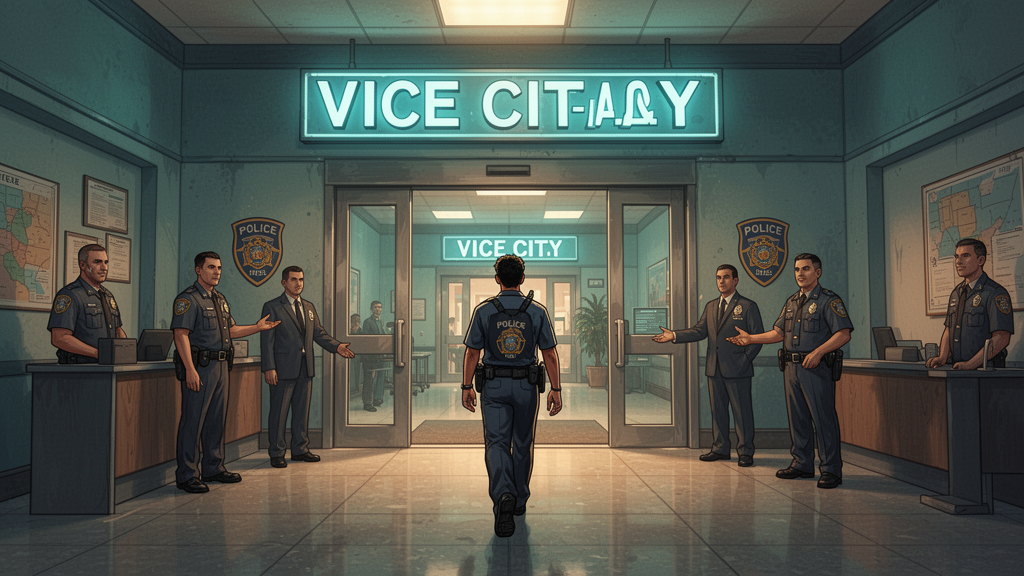
How to Join GTA 6 RP Servers: Complete Setup Guide for Beginners
How to Join GTA 6 RP Servers: Complete Setup Guide for Beginners
GTA 6 roleplay is going to be one of the biggest multiplayer experiences ever. If you're new to RP or transitioning from GTA 5, this GTA 6 RP server setup guide will get you ready.
What Is GTA 6 Roleplay?
In roleplay servers, you create a character and live out their life in Vice City. Instead of running around causing chaos, you:
- Get a job, start a business, or join a gang
- Interact with other players in-character
- Follow server rules and storylines
- Build relationships and narratives
How to Find the Right Server
Step 1: Decide Your RP Style
- Serious RP — Full immersion, strict rules, detailed character backgrounds
- Semi-Serious — Good balance of RP and casual play
- Casual RP — Relaxed rules, great for beginners
- Niche RP — Police, medical, racing crews, specific themes
Step 2: Browse Server Listings
The GTA 6 Creators Hub RP Server Directory lets you:
- Filter by RP style and server size
- Read detailed server descriptions
- Check community ratings and reviews
- See server rules before joining
Step 3: Meet the Requirements
Most servers require:
- A microphone for voice RP
- A character application or backstory
- Agreement to server rules
- Sometimes a whitelist interview
RP Server Setup Tips
Creating Your Character
- Give them a realistic name (not your gamertag)
- Write a brief backstory
- Decide on personality traits
- Choose a starting occupation
RP Etiquette
- Stay in character during RP situations
- Don't use out-of-character information in RP
- Respect other players' storylines
- Follow server-specific rules
Start Your RP Journey
The GTA 6 RP community is welcoming new players every day. Browse our server directory, find your community, and get ready for launch day.
Find Your Server | List Your Server
Your Vice City story starts now.