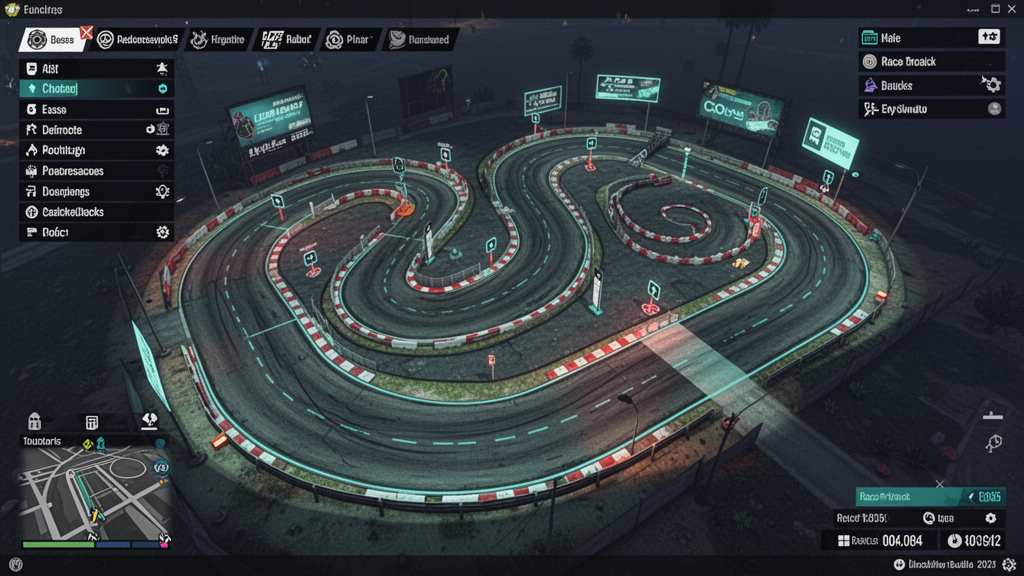
How to Make Custom Races in GTA 6: Complete Race Builder Guide
How to Make Custom Races in GTA 6: Complete Race Builder Guide
Creating custom races has always been one of the most rewarding activities in GTA Online. This GTA 6 race builder guide will prepare you to create incredible tracks from day one.
Getting Started with the GTA 6 Race Builder
Planning Your Track
Before you open the race creator, plan your route:
- Choose a theme — Street racing, off-road, stunt, or circuit
- Scout the location — Drive the route manually first
- Note key landmarks — Buildings, intersections, and scenic spots
- Plan elevation changes — Hills, ramps, and drops add excitement
Track Design Fundamentals
Flow
Good races have a natural flow. Avoid:
- 90-degree turns at high speed
- Blind corners without warning
- Checkpoint placement that confuses racers
Instead, aim for:
- Sweeping curves that feel satisfying
- Clear visual lines through the course
- Strategic straights for overtaking opportunities
Difficulty Balance
- Start easy to let racers learn the track
- Gradually increase difficulty through the middle sections
- Save one signature challenge for the final stretch
- Always give skilled racers a way to recover from mistakes
Checkpoint Placement Tips
- Place checkpoints at natural turning points
- Use wider checkpoint triggers on high-speed sections
- Keep checkpoints visible but not intrusive
- Test with multiple vehicle classes
Sharing Your Race
Once your race is complete:
- Test it thoroughly with friends
- Create an engaging title and description
- Upload to the GTA 6 Creators Hub
- Share on social media and Discord
- Respond to community feedback and iterate
Browse Community Races | Start Creating
Every legendary race started with a creator and a vision.